# Jellyfin-Media-Bar - Now with Play Now Function
## TODO - Design changes upcoming next release
Thanks to the Man, the Legend [BobHasNoSoul](https://github.com/BobHasNoSoul) for his work on the [jellyfinfeatured](https://github.com/BobHasNoSoul/jellyfin-featured) and [SethBacon](https://forum.jellyfin.org/u-sethbacon) and [TedHinklater](https://github.com/tedhinklater) for their take on the [Jellyfin-Featured-Content-Bar](https://github.com/tedhinklater/Jellyfin-Featured-Content-Bar).
Here I present my version of the same with some code improvements, loading optimizations, and Security Enhancements. Works best with the [Zombie theme](https://github.com/MakD/zombie-release) (_Shameless Plug_), but it fits with every other theme the creators have put their hard work in. You might've to edit the color accents in the CSS to match yours.
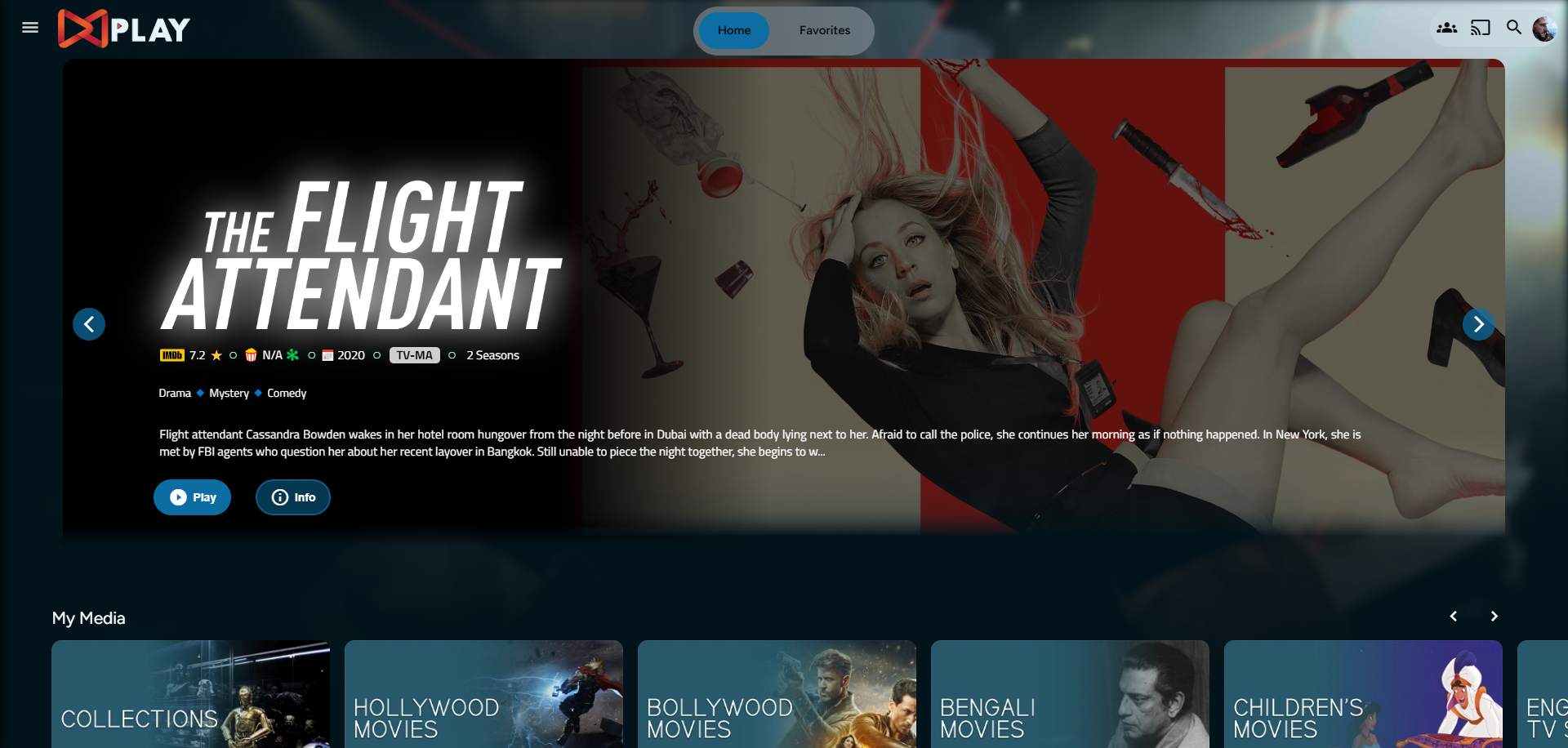
Desktop Layout
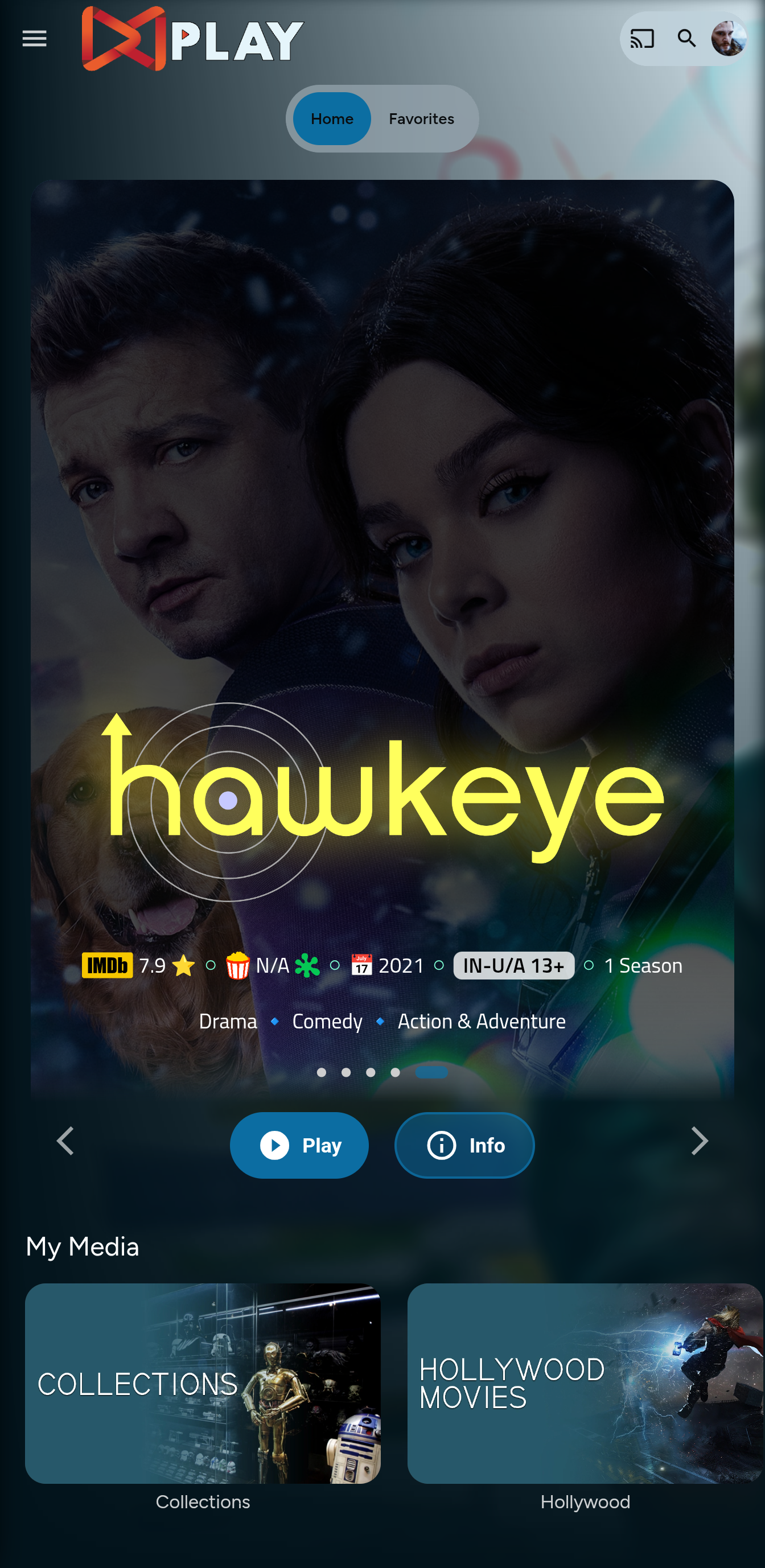
Mobile Layout
> **Before Installing, please take a backup of your index.html and home-html.xxxxxx.chunk.js files**
# Prepping the Environment
Steps
1. Create a folder `avatars` in your `jellyfin-web` folder. (Usually in C:\Program Files\Jellyfin\Server)
2. Download the files `slideshowpure.js` and `slideshowpure.css`
3. Paste them inside the avatars folder created, and you are ready to venture down the rabbit hole.
# Prepping the files
index.html
1. Navigate to your `jellyfin-web` folder and search for the file index.html. (you can use any code editor, just remember to open with administrator privileges.
2. Search for `